AI Assistants for Business: How to Integrate, Where to Connect and Why You Need Your Own Knowledge Base
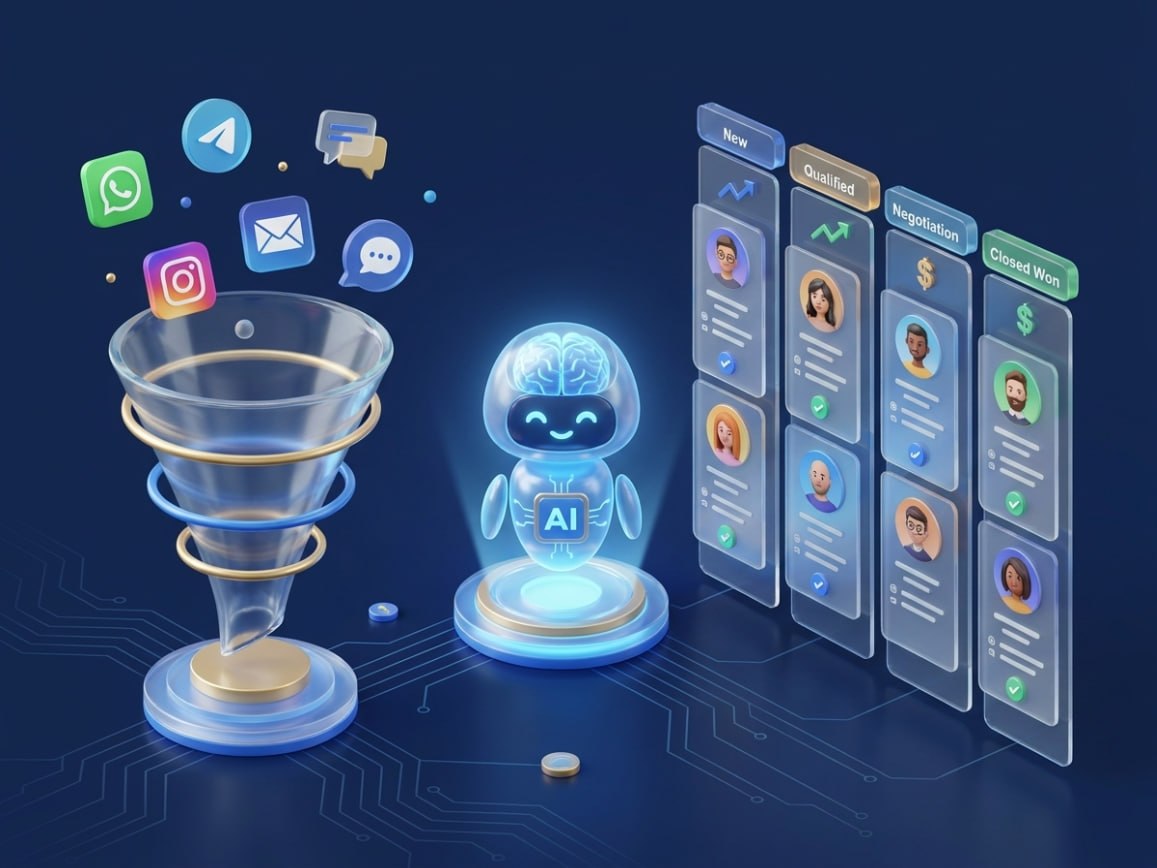
Some companies already have AI handling thousands of requests per day, booking patients, qualifying leads and answering employee questions — while the team focuses on work that only humans can actually do. Other companies "deployed a bot" two years ago, it answers with three buttons and impresses no one. The difference is not in budget. It's in approach.
Bot vs AI assistant: what's the difference and why it matters
A regular chatbot is a decision tree. The client clicks a button, the bot delivers a pre-written answer. If the question doesn't fit the script — the bot breaks or transfers to an operator.
An AI assistant built on a large language model (LLM) — ChatGPT, Claude or similar — works differently. It understands natural language, context, synonyms. It can ask a follow-up question, build an answer from multiple sources, adjust tone based on the situation.
A simple test: write to your bot "I want the same as last time, but urgent." A regular bot won't understand. An AI assistant will clarify what exactly and offer a solution.
Why AI without your knowledge base is an expensive generator of generic answers
ChatGPT and Claude are powerful models. But they know nothing about your business. They don't know your prices, contract terms, how your order process works or what to do if a client wants to return a product after 30 days.
Without access to your data, the model will answer generically — or worse, make things up ("hallucinate"). The client gets a confident, beautifully worded untruth. This is where RAG — Retrieval-Augmented Generation — comes in.
In plain terms: before answering, AI searches your knowledge base — price lists, FAQ, sales scripts, delivery terms, technical documentation. The found fragment becomes the basis of the answer. The model doesn't invent — it formulates what already exists in your documents.
- Current price lists and discount conditions
- Answers to typical client questions (FAQ)
- Contract terms and warranty obligations
- Sales scripts and objection handling
- Technical product documentation
- Team guidelines — answers to internal questions
Important: the knowledge base doesn't need retraining every time it's updated. Price list changed — upload a new document. AI immediately starts answering with current data. Research shows employees spend 2–3.6 hours per day searching for internal information. An AI assistant with a knowledge base reduces this by 30–40%.
Types of AI assistants — and where each one lives
- First-line support assistant — answers clients on typical questions 24/7. Closes 70–80% of standard requests without an operator.
- AI lead qualifier — not just answering, but leading a dialogue: clarifying budget, timeline, need, decision-maker. Passes a segmented lead card to CRM.
- Internal corporate assistant — answers employees instead of HR and IT. One FMCG case: information search time dropped to ~1 second, HR tickets down 15%.
- AI for analytics and reporting — collects data from different systems, builds summary reports, detects anomalies, sends to Telegram or Slack.
- AI for onboarding and HR — guides a new employee through adaptation 24/7, without loading the team.
- Voice AI agent — handles incoming calls: answers, books, redirects. Relevant for call centers, clinics, service centers.
Where AI assistants integrate: the real map
- Messengers — Telegram, WhatsApp Business API, Instagram Direct, Viber. The client writes from where they're comfortable — the bot answers there.
- Website — a chat widget in the corner of the screen. Conversion from visitor to lead grows because the barrier is minimal.
- CRM systems — Bitrix24, amoCRM, HubSpot, Salesforce. AI immediately creates a deal, fills contact fields, assigns a task to the manager.
- Internal systems — Notion, Google Drive, Confluence, SharePoint. These are the knowledge base sources.
- ERP and warehouse systems — for questions about product availability, order status, shipping times.
- Telephony — voice agent handles calls via provider APIs.
- Orchestration — Make.com (visual, for non-technical teams) or n8n (open-source, self-hosted, your data stays local). Both connect messenger → AI → CRM → Telegram notification in one pipeline.
Real numbers: what happens after implementation
- McKinsey, November 2025 (1,993 organizations): 88% of companies use AI in at least one function. Only ~5% achieve measurable financial results. Reason: companies deploy AI but don't redesign processes.
- Salesforce State of Service 2025 (6,500 specialists): AI resolves 30% of support requests; forecast — 50% by 2027. Operators with AI spend 20% less time on routine — ~4 hours per week.
- Klarna (February 2024): 2.3M conversations in the first month, equivalent to 700 operators, resolution time from 11 min to <2 min. In 2025, the company admitted over-automation reduced quality and started rehiring humans. Conclusion: not "AI instead of people" but "AI + people in the right roles."
- Clinic "Medea" (Odessa): ~10 new patients per day via Telegram bot, 700 new subscribers in 3 months.
- E-commerce via Instagram AI bot: conversion from 1% to 5.9%, manager workload −70%.
What separates projects that work from those that fail
Gartner in June 2025: more than 40% of agentic AI projects will be canceled by end of 2027. Not because AI doesn't work. Because companies make the same mistakes.
- "Deploy AI" without a specific KPI. "We want AI" is not a task. "We want to cut first response time from 4 hours to 5 minutes" is a task.
- Launching AI on chaotic data. If the knowledge base is outdated — the assistant will give wrong answers. Data order first, AI second.
- Not planning escalation. Every AI assistant must know when to hand off to a human.
- "Set it and forget it." The first month is calibration. Knowledge base updates, scenarios get refined.
- Overlaying AI on old processes. Only 21% of McKinsey companies redesigned even part of their processes — and they're the ones getting real financial results.
How to know where to start for your business
- Managers drowning in typical client questions → first-line support assistant.
- Leads going cold from slow processing → lead qualifier in Telegram or on the website.
- Employees constantly asking the same things → internal knowledge base assistant.
- High volume of routine calls → voice agent.
Successful pilot criterion: in 30 days AI closes ≥60% of requests without human involvement AND a measurable KPI improved. If not — diagnose data and scenarios. If yes — scale and add channels.
How Systemize starts
We don't sell "AI in general." We build a specific solution for a specific process in your business. We start with an audit: where exactly you're losing time, money or leads right now. Then we design the system — with the right channels, CRM integration, your business knowledge base and a clear KPI. We build, test before launch, train the team and optimize afterward.
Frequently asked questions
- How is an AI assistant different from a regular chatbot? A regular bot is a rigid script and buttons. An AI assistant understands natural language, context and synonyms.
- Do I need to train AI for my business? Not in the classical sense. You build a knowledge base. AI reads it via RAG and answers based on it.
- Which channels are supported? Telegram, WhatsApp Business API, Instagram Direct, Viber, website widget, email, telephony.
- How much does implementation cost? Depends on complexity. We always start with a pilot.
- Will AI replace my employees? No. AI handles first-line routine. People handle complex cases and client relationships. Hybrid model is optimal.
- What if AI makes a mistake? That's what human-in-the-loop is for: the system knows when to escalate to a person.
Test the AI Qualifier right now
Our AI assistant is already embedded in this site. Click the chat icon in the bottom right corner — and see for yourself how it qualifies leads in real time.
Or leave a request for a free consultation